
Connect over MCP
Attach dist0 to an AI client as a remote MCP server. The client gets your read capabilities — pains, briefs, posts, project memory — as native tools.
Last updated July 18, 2026
On this page
The dist0 MCP server exposes the same read capabilities as the HTTP API — pains, briefs, source posts, project memory — as native tools an AI client can call. It exists for the client that can't call the HTTP API directly: a web AI client like Claude.ai or ChatGPT can attach a remote MCP server but can't make an arbitrary web request. MCP is the way in for those.
The endpoint
https://dist0.com/api/mcpIt speaks the Model Context Protocol over HTTP (JSON-RPC). You don't call it by hand — you point an MCP-capable client at the URL and it discovers the tools.
Two ways to connect
Web AI clients — sign in with OAuth
Claude.ai and ChatGPT connect by sending you through a login, not by pasting a token. Add dist0 as a custom connector with the endpoint above; the client then:
- discovers the server and registers itself,
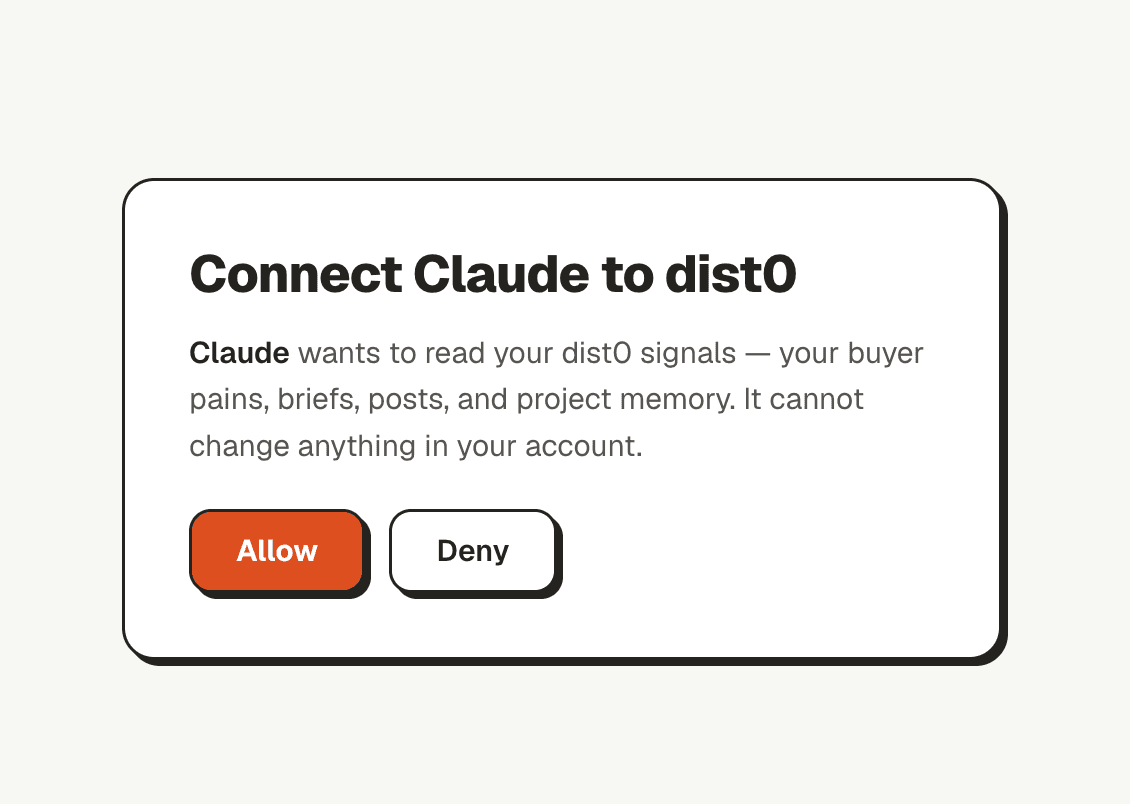
- sends you to the dist0 login and a short Allow access screen,
- receives a scoped token and connects.
You approve access once. After that the client can read your project's signals.
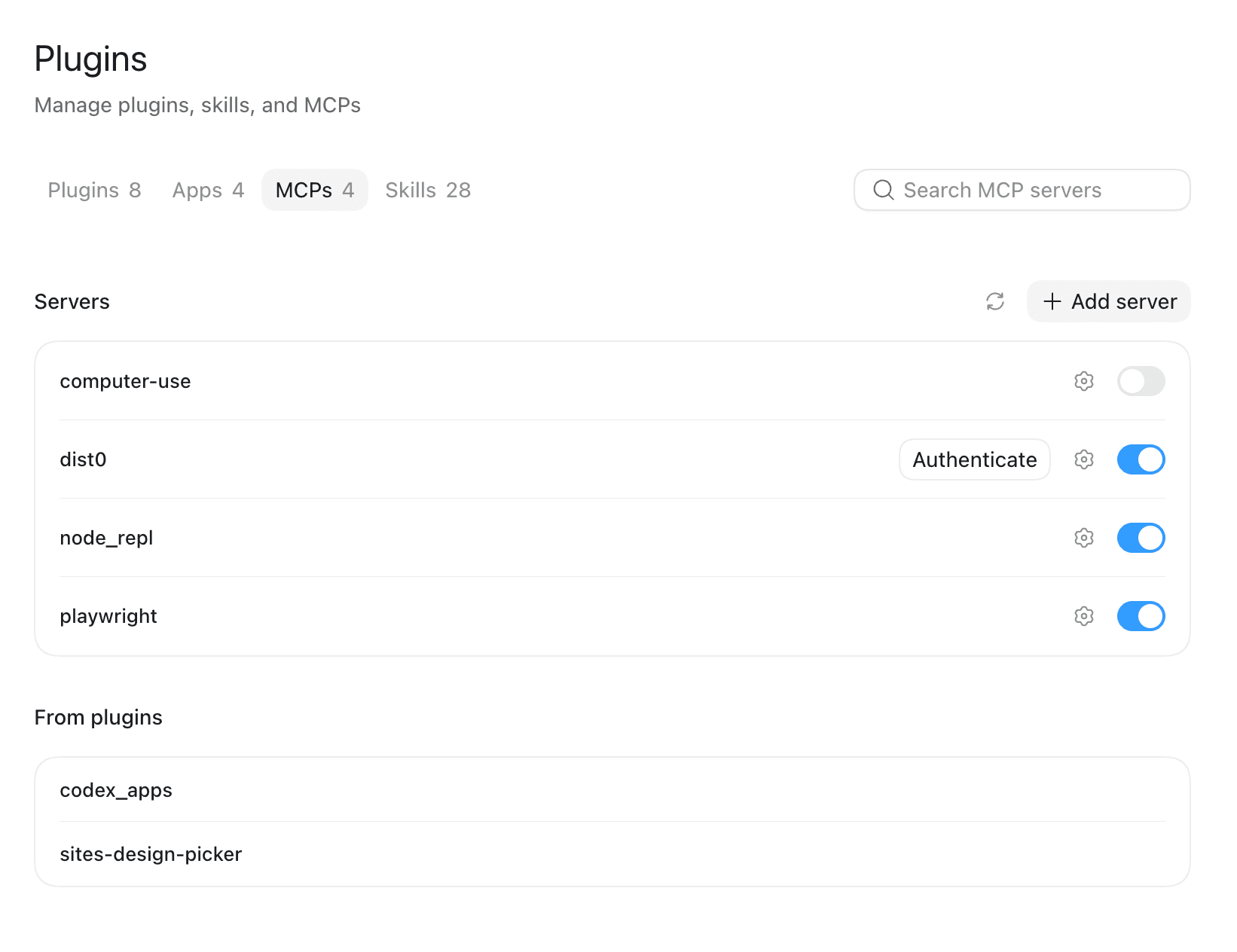
In a client that lists its MCP servers, dist0 shows up with an Authenticate button that starts this login:
Signing in brings up the dist0 Allow access screen — approve it once:
Desktop clients and scripts — static token
A desktop MCP client or a coding agent that lets you set a request header can connect with an API key instead of the OAuth flow. Send it as a bearer token:
Authorization: Bearer <your-key>The tools
Each read capability is one tool. The name is the capability with the dot
replaced by an underscore — pains.list becomes pains_list. Every tool takes
an optional project argument (part of the project URL, like acme.com) and
defaults to your most recent project.
| Tool | What it returns |
|---|---|
pains_list | Your buyer-pain themes, most recent or most-discussed first. |
pains_get | One pain theme with its source posts. |
pains_sources | The Reddit posts behind a pain. |
briefs_list | Your market briefs. |
briefs_get | One brief in full. |
posts_get | One source Reddit post. |
competitors_list | Competitor mentions dist0 flagged. |
project_memory | What dist0 knows about your project. |
project_list | Your projects. |
runs_get | One digest run. |
Call tools/list on the endpoint to see the full, current set with each tool's
input.
One worked call
Ask the server for your buyer pains (static-token clients — a web client makes the same call once connected):
curl -X POST https://dist0.com/api/mcp \
  -H "Authorization: Bearer <your-key>" \
  -H "Content-Type: application/json" \
  -d '{
    "jsonrpc": "2.0",
    "id": 1,
    "method": "tools/call",
    "params": { "name": "pains_list", "arguments": { "type": "pain" } }
}'You get back the pains as readable text plus the raw data:
{
  "jsonrpc": "2.0",
  "id": 1,
  "result": {
    "content": [
      { "type": "text", "text": "• Finding real buyers is like digging for gold in noise — 8 posts\n• …" }
    ],
    "structuredContent": { "pains": [ /* … */ ] }
  }
}